
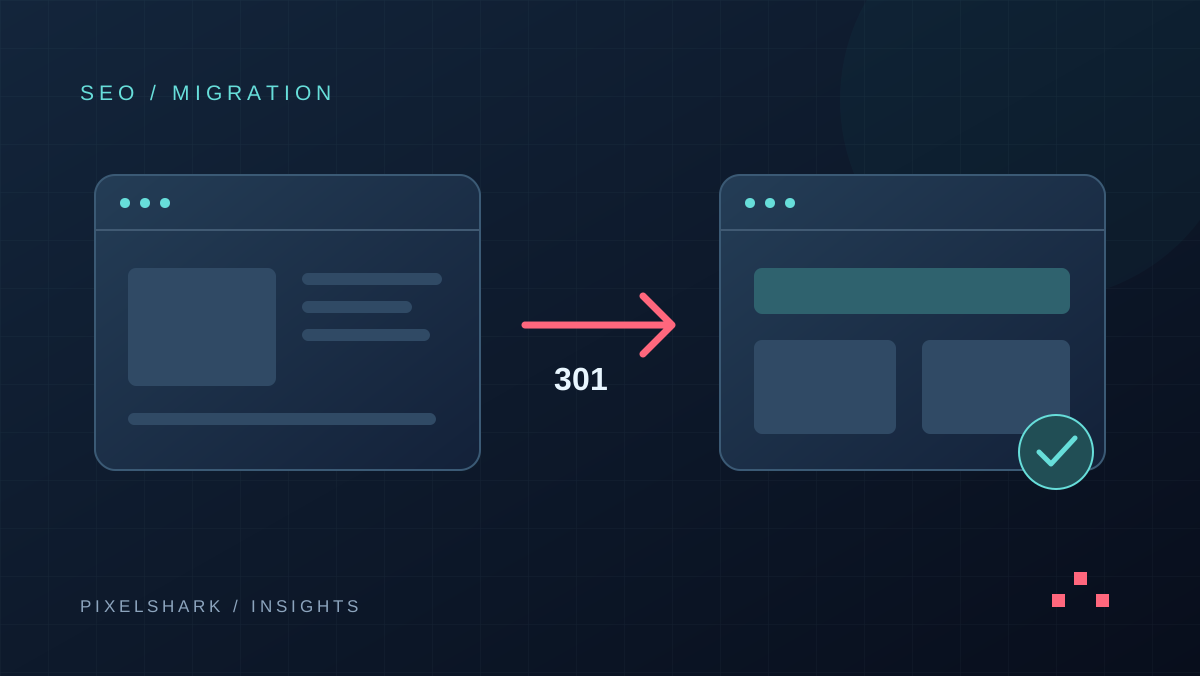
Start a website redesign by identifying the pages and content that already bring customers. Use that inventory to plan the new structure, design and CMS. An SEO migration aims to reduce the risk of losing visibility and keep customer journeys working. No responsible plan can guarantee that rankings will remain unchanged after a site move.
When does a redesign need an SEO migration plan?
A migration plan is especially useful when changing the domain, page URLs, CMS or service structure. Even a visual refresh can affect results if it removes service descriptions, links or text that was previously available without extra scripts. Separate visual, content and technical changes in the brief so that potential problems are easier to diagnose.
If an existing service URL is clear and still describes the service accurately, keep it unless there is a reason to change it. Set a simple project rule: every URL change needs a reason, an owner and a destination. Redirects then become a planned deliverable instead of an emergency task after launch.
What should you collect before the project starts?
- Build a URL inventory from the current site, sitemap and available reports. Identify service pages, articles, PDF files and language versions separately.
- Export Search Console clicks, impressions, queries and landing pages. Compare similar periods and account for business seasonality.
- Identify pages that lead to useful enquiries or orders. High traffic and commercially valuable traffic do not always point to the same pages.
- Confirm access to the domain, hosting and analytics, create a site backup and agree how the previous version could be restored.
How should you prepare a redirect map?
Create a table with the old URL, new URL, decision, reviewer and test result. Use clear decisions: retain the URL, move the content, merge related material or remove an obsolete resource. For example, an old CMS selection guide should lead to its updated counterpart when one exists.
Google recommends redirecting old URLs directly to the appropriate new pages and keeping redirects for at least a year. Sending unrelated URLs to the homepage in bulk may be treated as a soft 404. Update internal links and the sitemap after the move as well.
Source: Google Search Central — site moves with URL changes
What should you check before launching the new site?
Project acceptance should cover specific scenarios as well as the appearance of the homepage. List the key journeys: arriving from search on a service page, reading a guide, switching language and submitting an enquiry on a phone. Assign an expected result and a reviewer to each journey.
- URLs: old links reach the correct counterparts, and destination pages open without unnecessary additional redirects.
- Indexing: production pages have the intended canonical URLs, and staging restrictions have not accidentally reached the live site.
- Content and languages: important answers, titles, headings and PL/EN relationships match the actual page content.
- Contact: the form shows success only after the enquiry is saved, and the test enquiry is visible in the customer management system.
- Measurement: a confirmed enquiry is counted once, and declining analytics consent does not prevent form submission.
How do you assess the migration after launch?
On launch day, check representative URLs and record the results. During the first week, monitor technical errors and contact journeys, then compare page groups in Search Console regularly. This is a suggested operating schedule, not a promised ranking recovery timeline. Small websites and large catalogues need different levels of monitoring.
If clicks fall, first identify the affected pages and queries. An inaccessible directory needs a different investigation from a removed paragraph that answered a popular question. Compare the data with the release history. Avoid rolling back an entire project based solely on one day of data or average ranking position.
Can a redesign improve visibility in AI answers?
Google does not require additional special technical optimisation for a page to be eligible as a source in AI Overviews or AI Mode. The page must be indexed and eligible to appear with a search snippet. An AI-oriented file or a code marker alone cannot guarantee a citation.
Source: Google — AI features and your website
Use the redesign to make service descriptions clear, answer real customer questions directly, show update dates and cite sources where appropriate. Preserve useful knowledge and working URLs first, then expand content around the questions your customers actually ask.
Frequently asked questions
Does changing CMS have to harm SEO?
Not necessarily. Risk depends on changes to URLs, content and how pages are served. Prepare a migration map and acceptance checks instead of assuming that a new CMS automatically preserves results.
Should every old page redirect to the homepage?
No. Choose the most relevant replacement. If content has been removed without an equivalent, consider a proper 404 or 410 response instead of an unrelated destination.
What information helps estimate a redesign?
Provide the website address, redesign goals, service list, languages, integrations and key customer journeys. Available Search Console reports and a list of features that must be retained are also useful.