
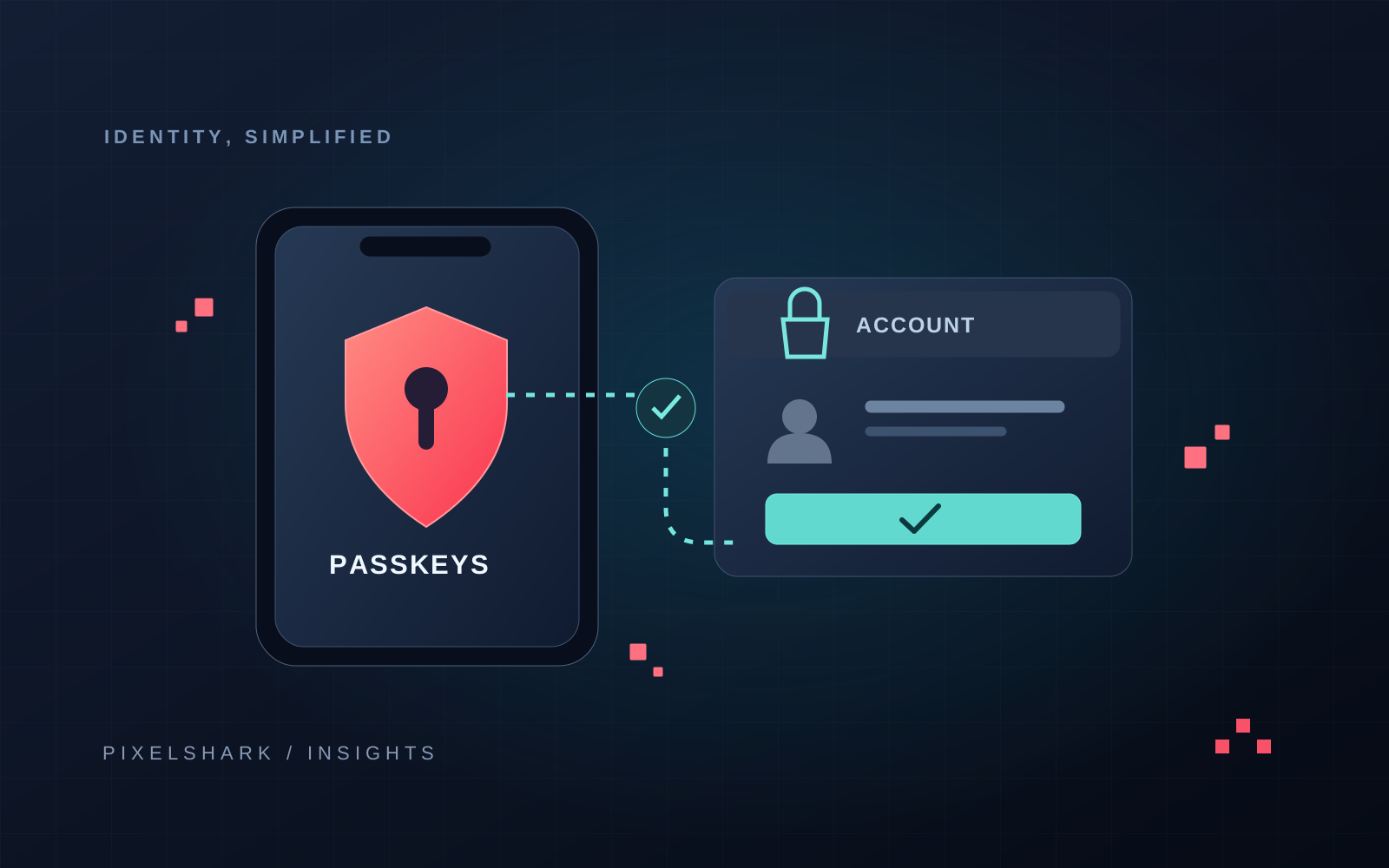
A returning customer selects a product and gets stuck at “Forgot your password?”. Passkeys enable a different journey: confirming access with a device instead of typing a password. For an online store, the key is to combine convenient sign-in with secure account recovery and a clear route back to shopping.
Why consider passkeys in 2026?
In May 2026, FIDO Alliance estimated that five billion passkeys were in use worldwide. That is an estimate of credentials, not unique users. It nevertheless makes passwordless sign-in a practical product design topic rather than an experiment reserved for security teams.
The adoption figure comes from the FIDO Alliance announcement dated 7 May 2026. It is not a conversion forecast for an individual store. Source documentation.
What are passkeys and how does passwordless sign-in work?
A passkey is a cryptographic credential associated with an account and a service. The service stores a public key, while the private part is managed by an authenticator or passkey provider. During sign-in, the device confirms a response to a server challenge. The user may approve with biometrics or a device PIN; the store itself does not receive a fingerprint or facial image.
Binding a credential to the correct service helps protect sign-in against phishing. Sessions, devices and account recovery still need protection. Source documentation.
Synced or device-bound passkeys?
Passkeys can be synced by a credential provider or bound to a particular authenticator, such as a hardware security key. These models have different implications for access from another device and account recovery. Do not promise customers that their credential will always appear automatically on every phone or computer.
WebAuthn defines public-key authentication; the actual user experience also depends on the device, browser and credential provider. Source documentation.
Where should passkeys fit into the shopping journey?
Do not begin by forcing a new method during a first purchase. First ask whether an account is even necessary to place an order. For returning customers, we suggest offering passkey creation after a successful sign-in or in account settings. Explain the benefit and how access is confirmed without cryptographic terminology.
A message might say: “Next time, use your screen lock instead of a password.” Keep an understandable alternative nearby. Declining to create a passkey should not look like an order failure or clear the basket.
In supporting browsers, passkeys can be offered through sign-in form autofill. This allows an existing form to coexist with the new access method. The implementation should detect browser capabilities and handle users cancelling the operation.
Google documents this flow using the WebAuthn conditional interface and form autofill. Source documentation.
Account recovery is part of the implementation
A lost phone, a new computer and a shared tablet are ordinary shopping situations. Before exposing a passkey creation button, design a path for customers who lose access to their existing authenticator. Do not rely on passkeys for protection if a support agent can later change the account email based only on an order number.
- Provide credential management: adding another passkey, recognising it and revoking access.
- Define the identity checks required for email changes, account recovery and adding a sign-in method.
- Notify customers about significant account security changes without disclosing secrets in the message.
- Test interrupted and repeated sign-in without losing the basket or creating a duplicate customer account.
How do you implement passkeys in WooCommerce or a custom store?
In WooCommerce, first identify which component owns accounts and sessions: WordPress, an external identity provider or an additional sign-in layer. Test the solution with the current theme, checkout form and other sign-in methods. A plugin advertising WebAuthn support does not establish compatibility with the entire store.
In a custom system, choose a maintained library or identity provider and define the integration scope. Do not design custom cryptography. Plan challenge validation, correct domain and account binding, dependency updates and credential revocation. Moving a store to a different domain requires a separate plan; credentials are not an ordinary setting that can be copied without review.
How can you tell whether the change helps customers?
Roll out in stages and compare similar user and device groups. Separate people who merely saw the offer from those who created a passkey and actually used it. Measure successful sign-ins, time to access, use of an alternative method, support requests and purchase completion after sign-in.
Do not attribute sales growth solely to the rollout if campaigns, the offer or delivery options changed at the same time. Passkeys should remove specific friction and improve account protection. Validate the business effect using store data, including abandonment and the cost of handling exceptions.
A practical first-stage plan
Map the current sign-in and recovery journeys. Select a limited group of returning customers. Check supported devices and lost-credential scenarios. Start measurement before the change and plan how to disable the new flow without locking people out. Expand the rollout only after reviewing the results.
Frequently asked questions
Do passkeys require a fingerprint?
No. Confirmation depends on the device and authenticator. It may use biometrics or a device PIN. The store does not receive the biometric data used for local verification.
Can passkeys work alongside passwords?
Yes. A gradual rollout can retain an alternative access method. Its security and account recovery must still be assessed because they affect protection of the entire journey.
Do passkeys guarantee higher conversion?
No. They may reduce sign-in friction, but the outcome depends on customers, devices and the journey design. Measure successful sign-ins, purchases and support contact to assess the impact.