
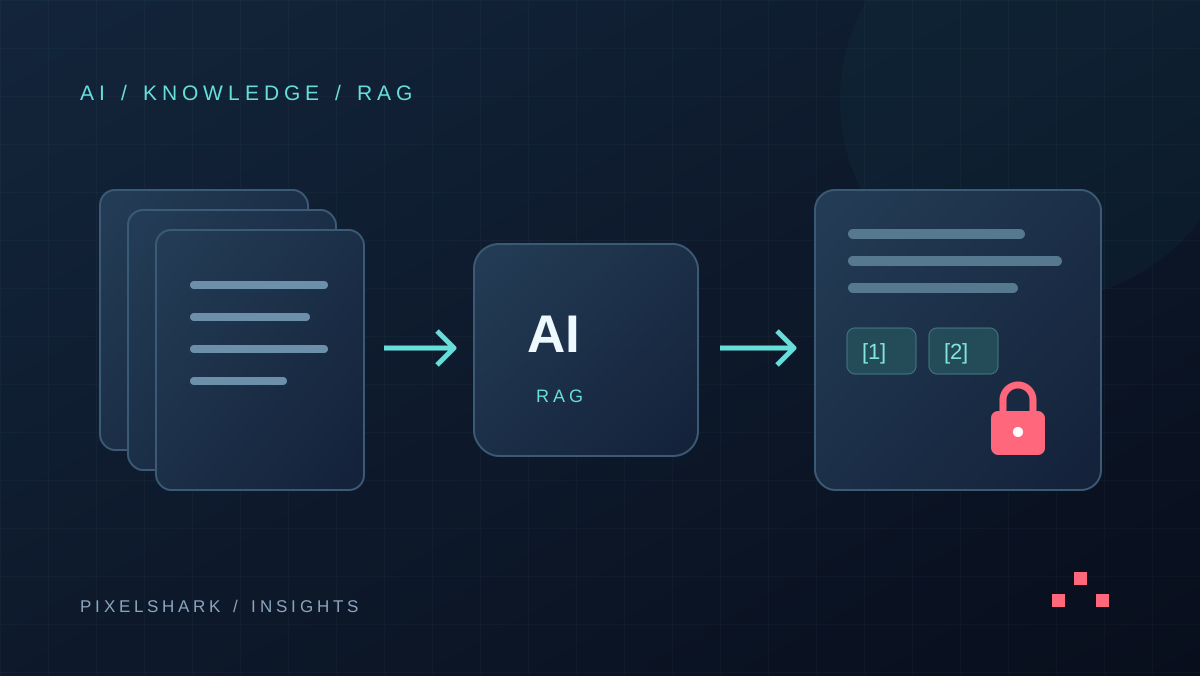
An AI assistant for company documents can be useful when employees spend too much time searching for procedures, instructions or specifications. Start with one team, a selected collection of current material and answers linked to sources. Before adding features, verify that the system finds the right information and does not reveal documents to unauthorised users.
What is RAG and how does it work with company knowledge?
RAG, or retrieval-augmented generation, combines information retrieval with answer generation. An application finds relevant document passages and supplies them to a model as context. The model does not need all company knowledge stored in its parameters. Answer freshness depends in part on which material is available to the retrieval system.
Source: Microsoft Learn — RAG architecture
In practice, separate three responsibilities: the document owner approves the content, retrieval selects material available to the user, and the model prepares an answer. This separation makes errors easier to investigate. An outdated instruction needs a different fix from a missing search result or an incorrect interpretation of otherwise accurate text.
Which process should you choose for the first pilot?
Choose recurring questions that a specific team already handles. Examples include support staff finding product instructions or sales staff checking approved service delivery rules. The first version needs a clear scope and someone qualified to assess the answers. A goal such as “the assistant knows everything about the company” makes acceptance difficult.
Not every problem requires generated text. If an employee only needs an order number or current stock level, a system view or a precise API query may be a better fit. Evaluate RAG where people need to locate and explain information scattered across descriptive material.
How should you prepare documents for an AI assistant?
- Assign an owner, version, effective date and intended audience to each document. Mark archived material before indexing starts.
- Remove working duplicates from the selected collection and establish which document resolves conflicts. Do not expect the model to infer company policy.
- Check text extraction from PDFs, tables and scans. Compare sample passages with the originals, especially numbers and conditions in footnotes.
- Retain the source link and section context. A passage without its heading or applicability condition can lead to a misleading answer.
- Agree how quickly edits, document deletion and access revocation must reach the assistant. Include both the index and caches.
How do you preserve document permissions?
We recommend checking access before document passages are sent to the model. User identity should come from an authenticated session, not from the question text. Rules must also cover document titles, search results and saved conversations. Hiding a button in the interface does not protect data that remains accessible through an API.
Use accounts with different roles in testing. Customer support and finance staff should receive answers only from material they are allowed to access. Also test access being revoked during a conversation and an employee changing teams. Separately agree who can read question history and how long it is retained.
Why must documents not be allowed to instruct the assistant?
Prompt injection attempts to influence a model through crafted content. Instructions can also be embedded in a retrieved document. OWASP notes that RAG alone does not remove this risk. Source content should be treated as material to analyse; permissions and approval for actions require controls outside the model.
Source: OWASP — prompt injection risk
For a pilot, we suggest read-only operation. The assistant finds answers and prepares drafts without sending messages or changing customer records. If CRM actions are needed later, design separate permissions and approval for specific operations. That is an extension of project scope, not a cosmetic addition to the chat window.
How should you evaluate RAG answer quality?
Prepare real questions with an expected answer and source document. Include ambiguous questions, outdated material, missing answers and similar product names. For some questions, the correct behaviour is to ask for clarification or explain that no supporting information was found.
- Relevance: did retrieval find the right document, and does the cited passage actually support the answer?
- Boundaries: does the system prevent access to restricted information and refrain from answering when evidence is missing?
- Usefulness: how long does it take a user to find and verify information compared with the existing workflow?
- Cost: what does a correctly completed task cost, including indexing, model usage, infrastructure and human review?
What belongs in the implementation brief?
Describe users, document sources, languages, access roles and the update process. Include example questions, the expected answer format, acceptable response times and acceptance criteria. Agree the selected provider’s data handling terms before connecting company data. Implementation cost depends heavily on source quality and integrations, rather than the appearance of the chat interface.
Frequently asked questions
Does RAG require training your own model?
No. An existing model can receive document passages retrieved by the application. You still need to prepare sources, retrieval, permissions and answer evaluation.
Is an answer always correct when it includes a source?
No. A link alone does not prove that the document supports the whole answer. Check the cited passage, document freshness and behaviour when information is missing.
Can the same assistant use a CRM?
Yes, with a suitable integration. Current transactional data is best retrieved from the source system with access checks. Writing records and sending messages require separately defined rules.